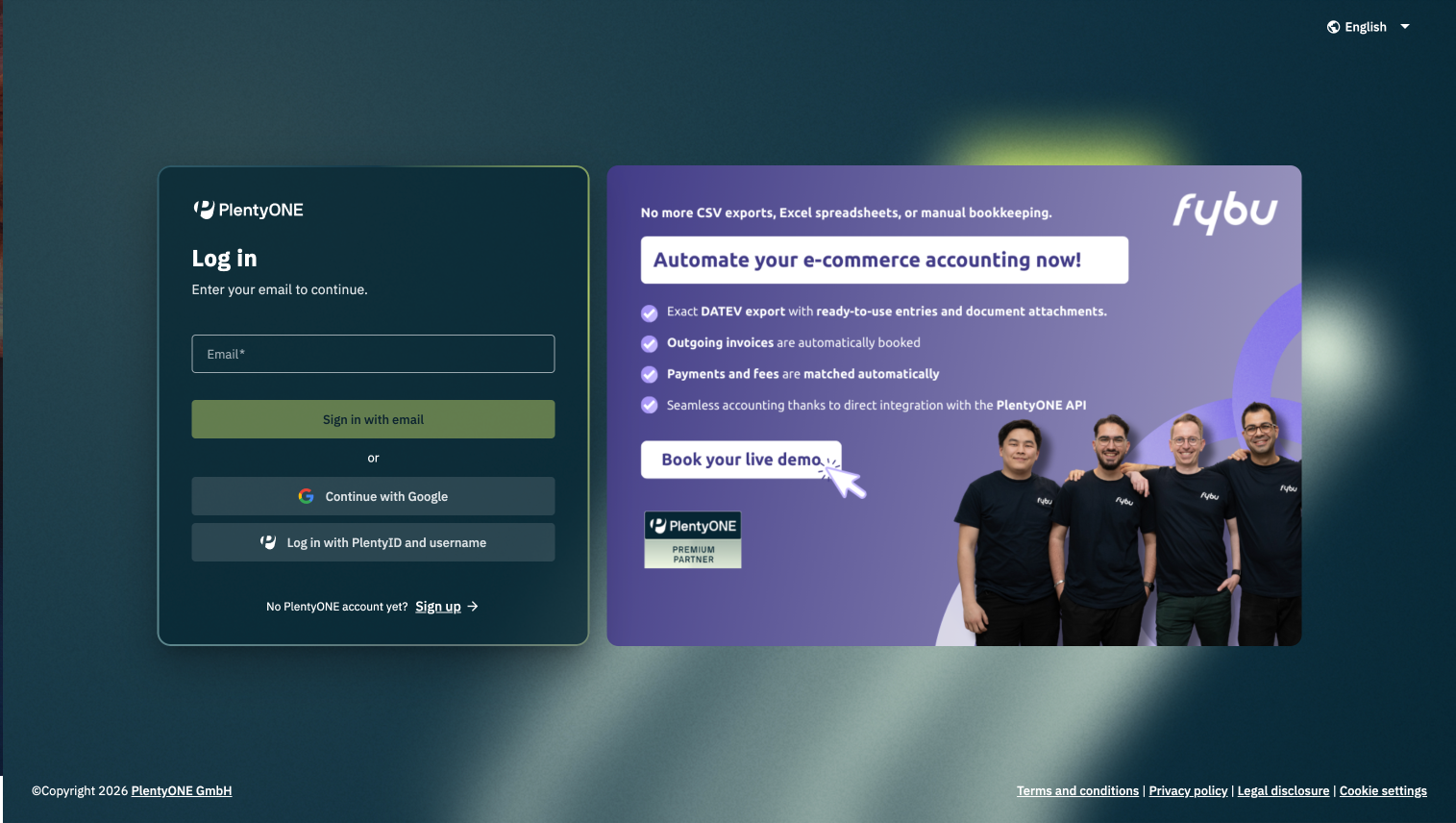
You can now log in to PlentyONE using your Google account via app.plentyone – quickly and without entering your PlentyONE password. Your existing login stays the same, the new Google Login is simply an additional sign-in option.
One click, one Google account
Simply select “Sign in with Google” on app.plentyone and use your existing Google account to access PlentyONE.
Important note: To use this option, the email address of your PlentyONE user must be associated with a Google account. If this is not the case, you need to sign in as usual with your PlentyONE credentials.
An additional way to log in
Google Login gives you another way to access PlentyONE via app.plentyone. There is nothing you need to set up or change about your PlentyONE access.
For more information about signing in and using Google Login, see our manual.
Your existing login stays the same
Nothing changes about your current login credentials or the way you sign in today. You can continue to use the same email address and password as before. There are no new PlentyONE credentials you need to set up or remember.
The new Google Login is simply an additional sign-in option.